As an intro to my Alternative Arcade Controls class, each person was tasked with making a pong clone that utilized a unique controller scheme. I decided to tie my pong game’s design to sticking a fork in an outlet to move the ball up and down. Many issues have been faced during this project, and most were able to be resolved. This post will be a discussion on the design concepts and issues faced during this project. As always, you can find the code on my GitHub, note that you will have to change some of the names in Game.cs to get the code working in your own MonoGame environment.
Design Process
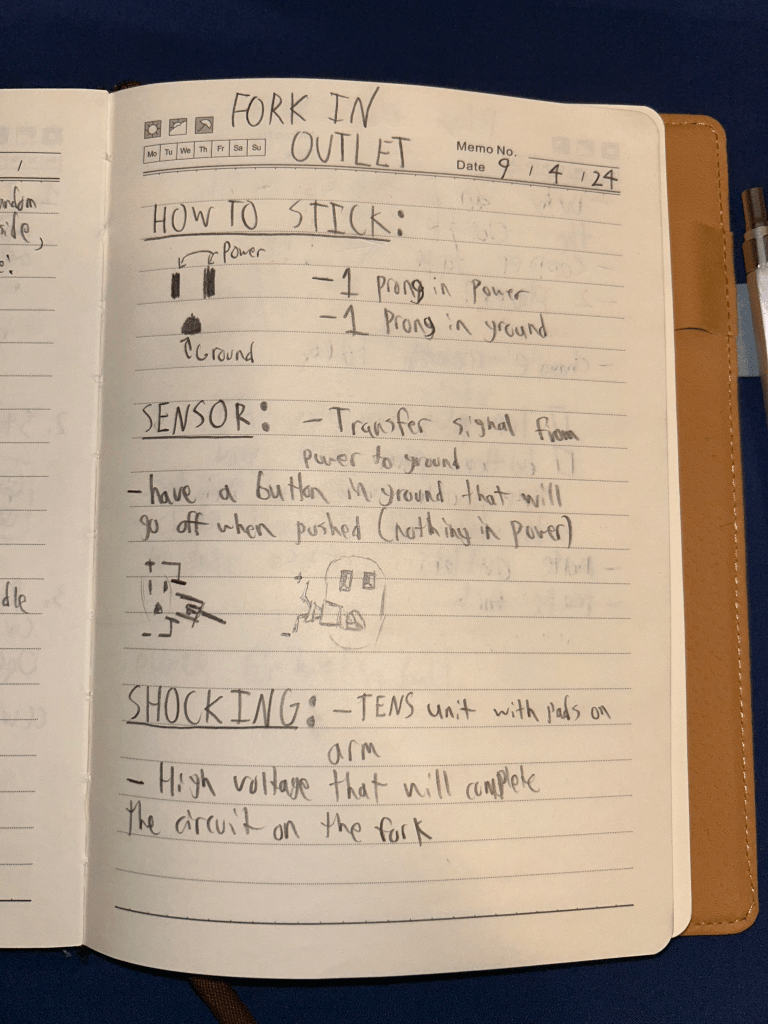
The basic idea for the fork controller is that when the fork is stuck in one of the outlet holes, there will be an undesirable feedback created that will cause the user to want to remove the the fork as soon as possible. This action will be done through the use of a haptic vibration motor bridging the terminals of the outlet.
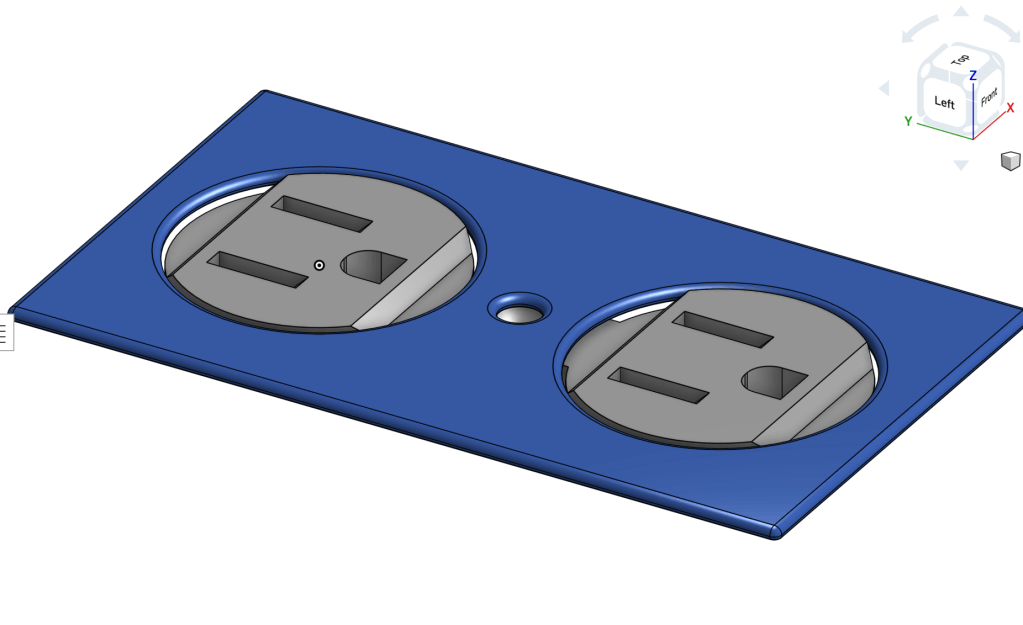
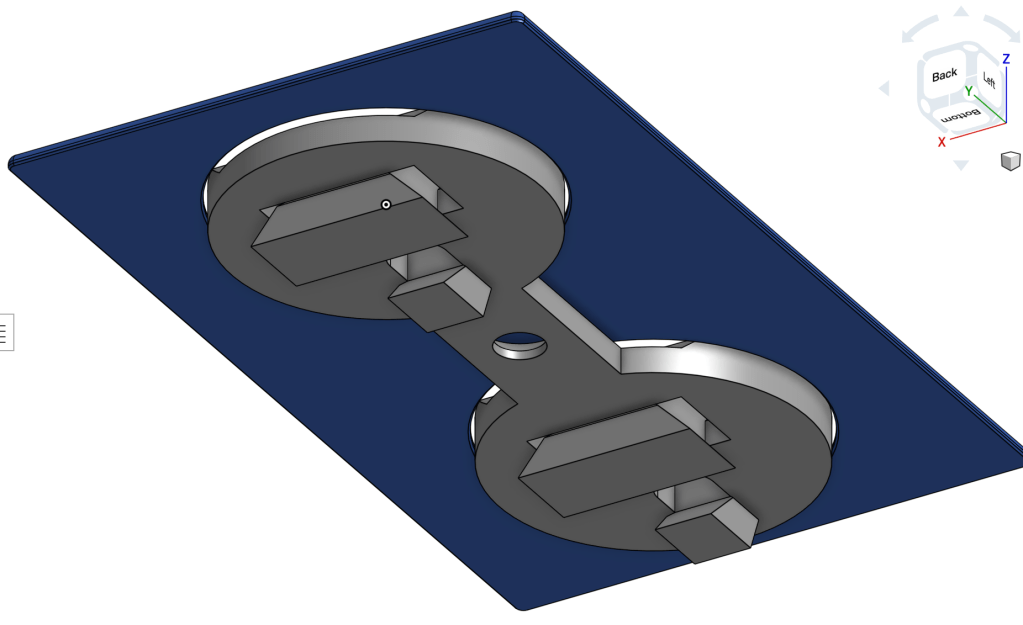
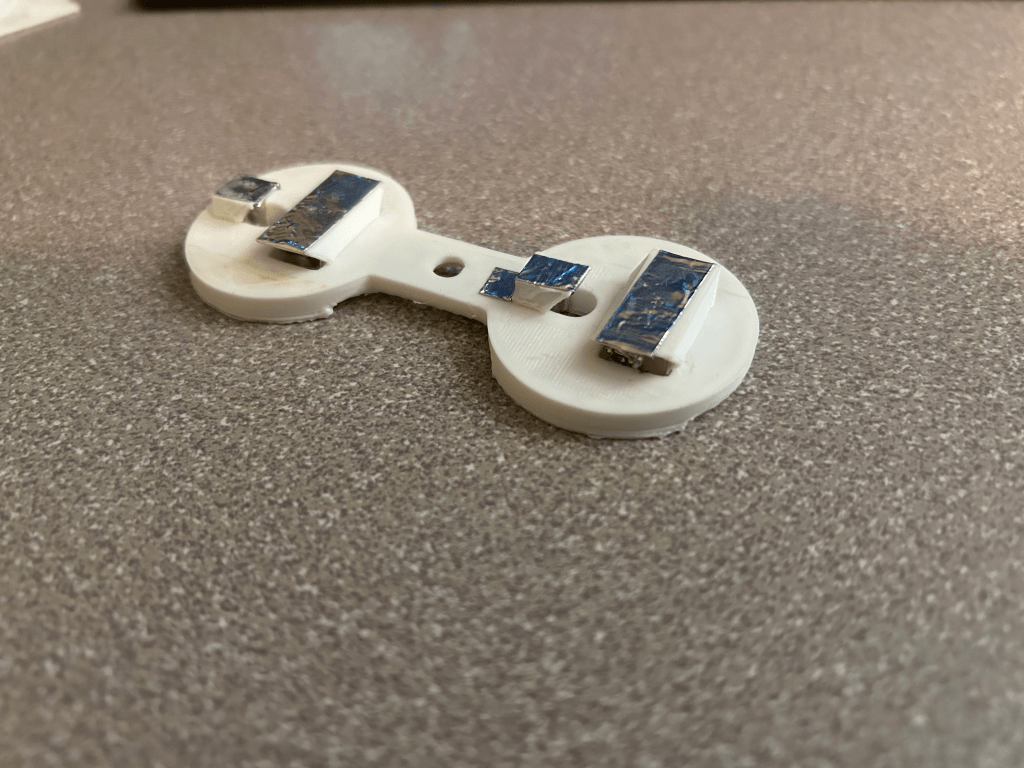
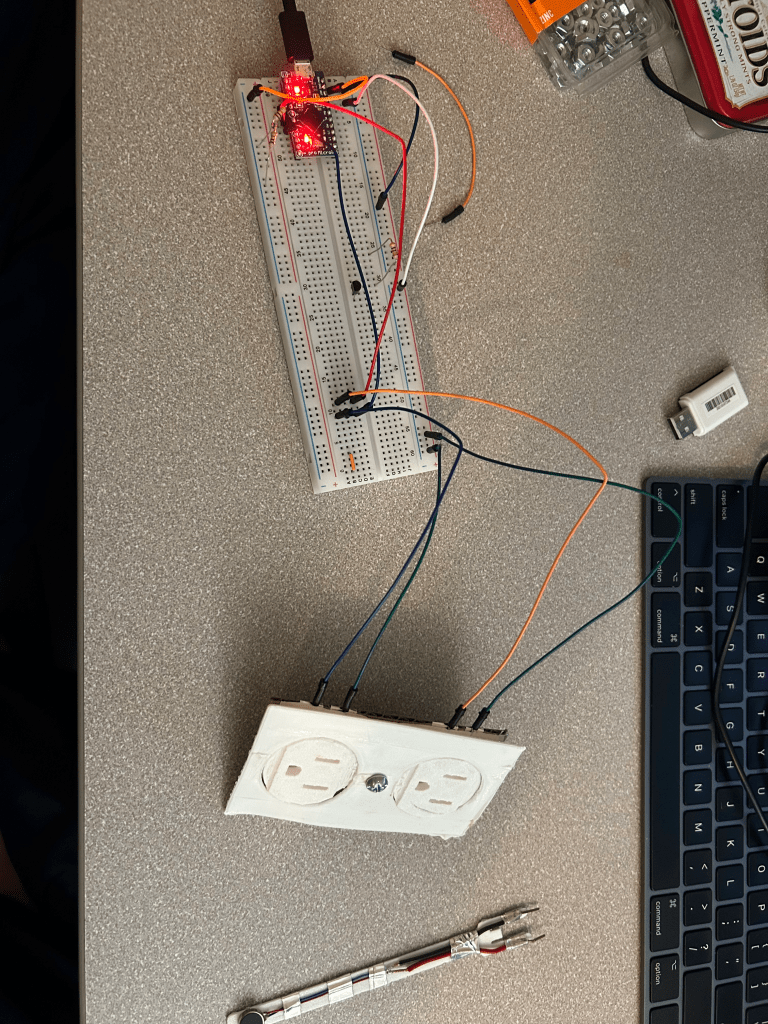
The outlet design was done with realistic proportions to help the controller feel more like an innocuous outlet. The outward sloping behind the outlet faces is to attach the conductive tape and join specific connections. These sloping sections actually would lead to further issues when system testing, as the conductive tape would not conduct when placed on the outlet print.
Game Coding
For some time, I have been wanting to get more used to working with coding frameworks. With the need of making a fresh pong clone, I set my sights on Monogame. One of the major issues currently plaguing a monogamy Mac user is the fact that recent apple silicon now uses ARM64 instead of X86 chip architecture. This causes a major naspect of monogame (the content loader) to not function correctly. The community has been fixxing this and there have been improvement, but this should still be noted if you wish to try monogame on a modern mac device.
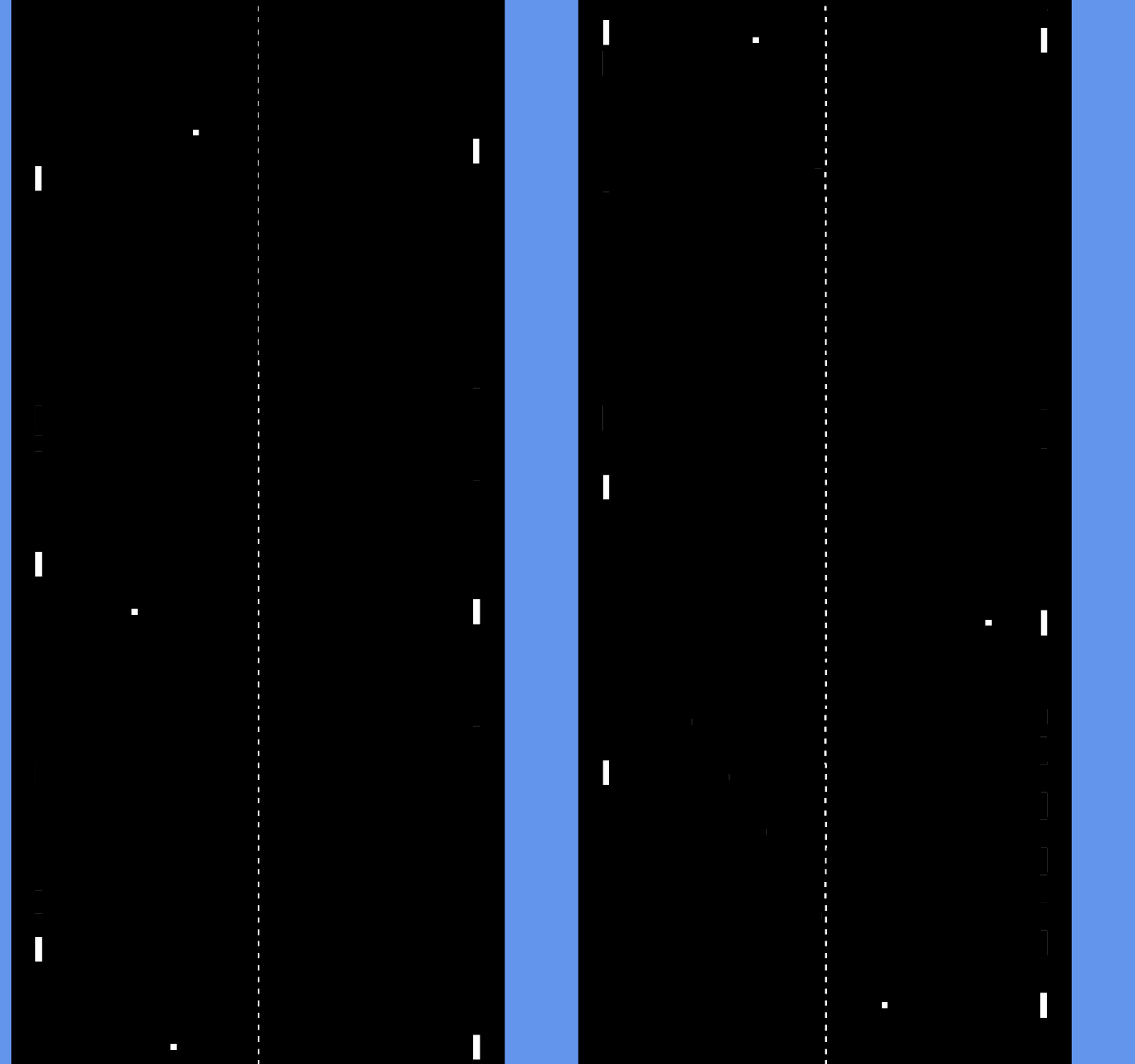
The first version of the pong followed the normal conventions, one side human, the other computer and the up and down arrows moved the player’s paddle. Much of the original aesthetics and look were standard for a game of pong.
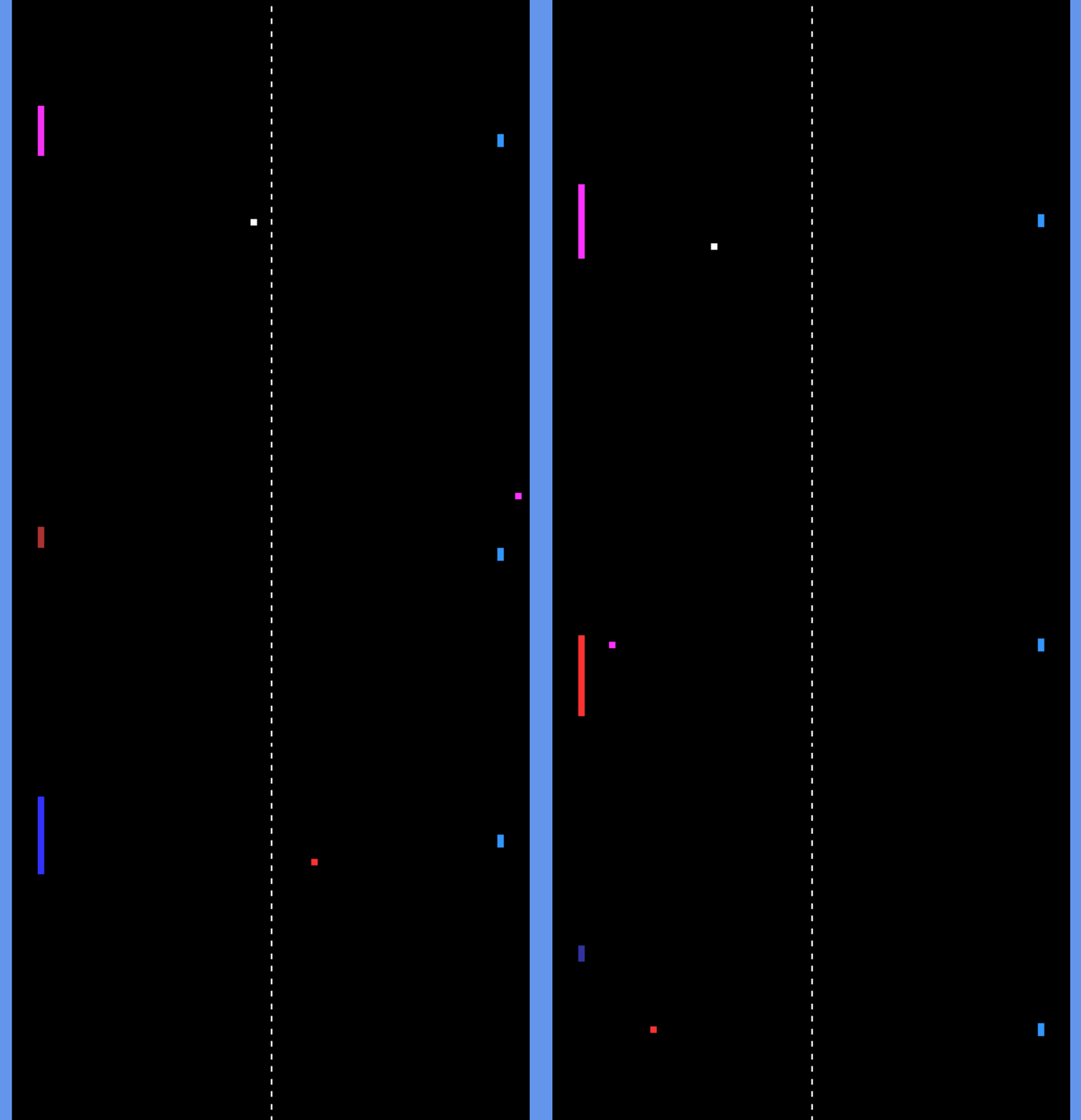
To improve the presentation and “juice” the game; sound effects (none in the above GIF), color changing and altered controls were added. The player can now activate an AI to move the paddle and grow the paddle size to act as a faster movement option compared to the AI movement. On each hit, the paddle’s color index shifts to allowing the changing of the red, green and/or blue bit. The ball will inherit that paddle’s previous color.
Controller Assembly
Multiple issues arrived while testing and assembling the controller. The initial test used a piezo buzzer as a standing for the haptic motor, as the motors were still in transit. The power draw from the piezo was fully supplied by the Arduino pro micro, and nothing in the system was run afoul by this. Though the circuit will get more complex trying to allow for a larger voltage load later, the main interaction is turning complete circuits into up/down key presses.
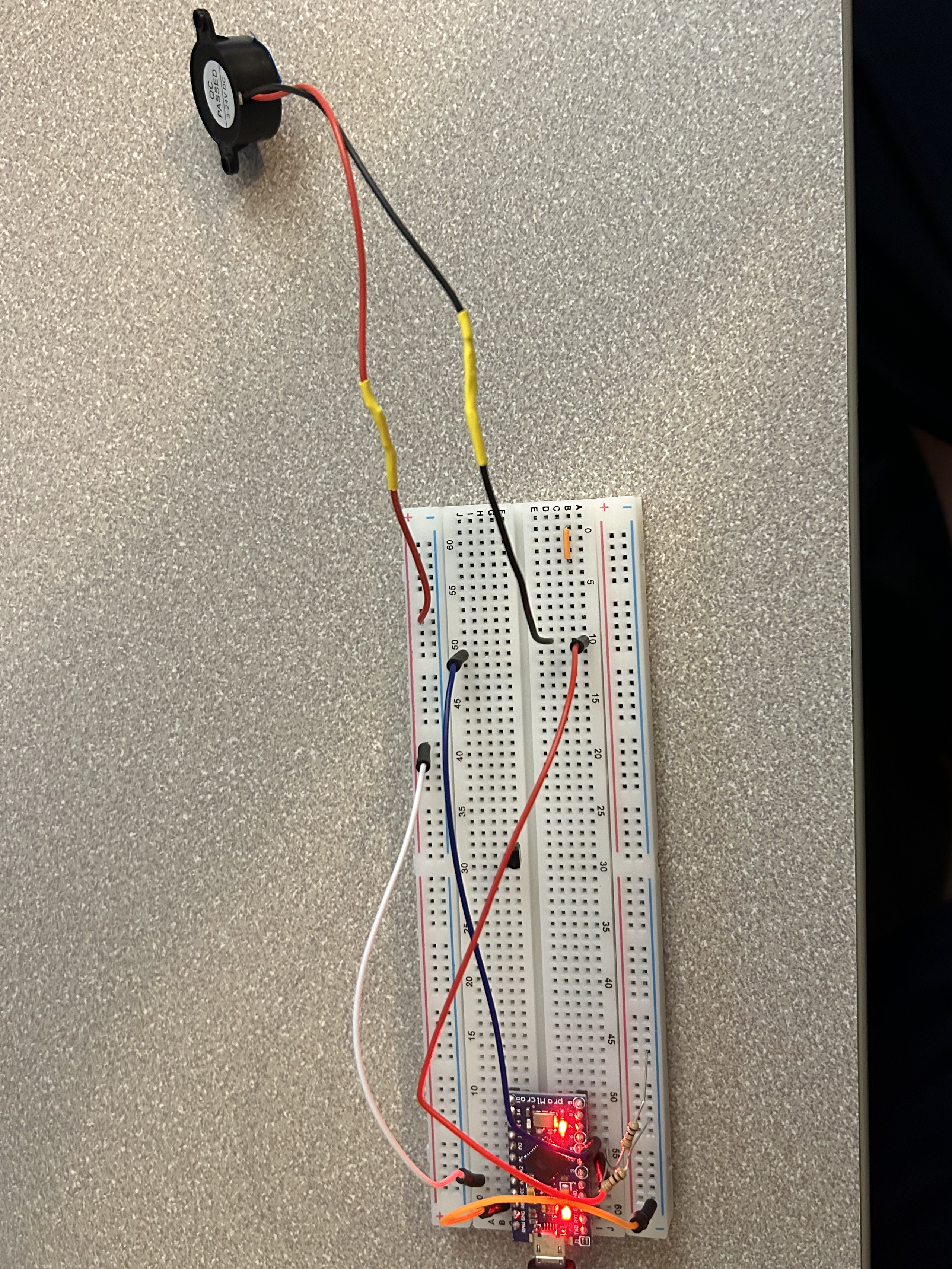
After the piezo test was successful, a mock board made with conductive tape was created and tested with an actual haptic buzzer. The main issue lies with the haptic motor, even with an additional power supply. The current draw from the motor is so great it drains all the power from the pro micro board, allowing no signals to be transferred.
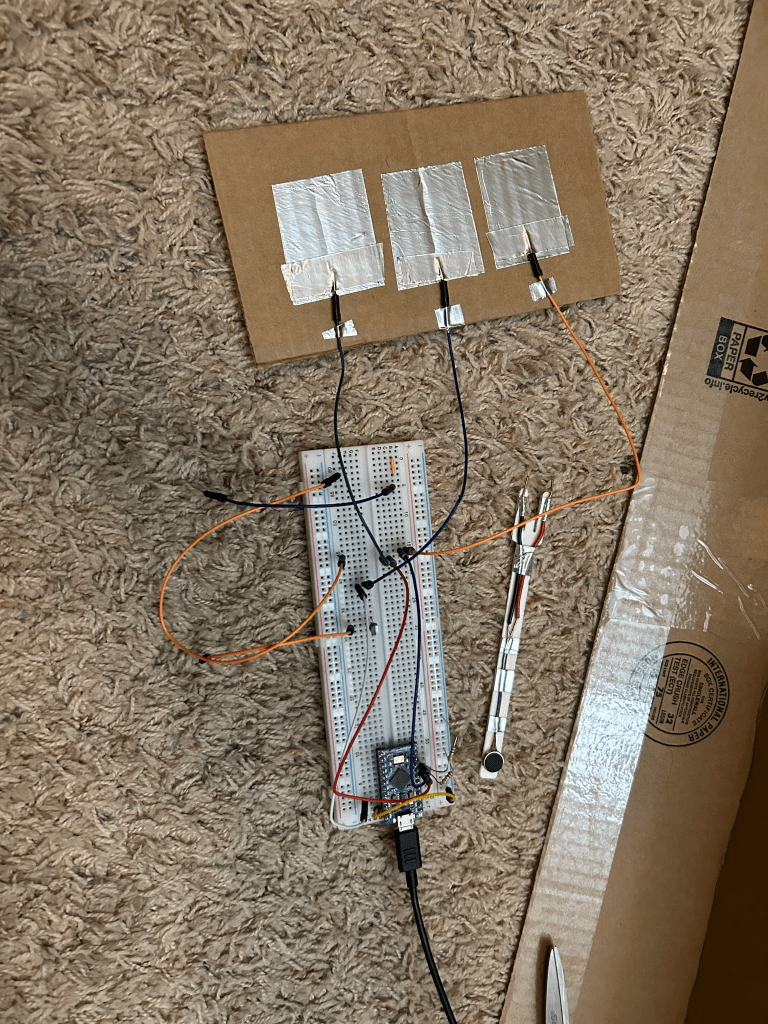
A final attempt was made with a joint power diode unit between the battery and pro micro and controlled through the outlet piece, but signal would not send through this module. The current draw from the haptic motor is too great to be supplied from standard microcontrollers. This is why the demo video utilizes the piezo version again.
Conclusion
I was never able to get the two main interaction to happen at the same time (that being both the zap-like feeling of the motor and a signal being sent to the microcontroller). If the required voltage isn’t met, the fork will act as a normal wire, and if the voltage is met the system cannot send data with the remaining power. Truly between a rock and a hard place, if I had more time I may have just created two separate circuits instead to not cause the overdraw issue.
 Quincy's Projects
Leave a comment