For my final project for my alternative arcade class, I made a game based on the principles of series and parallel voltage calculation. The game itself was made in the game coding framework “Raylib”, while the controller is a Arduino pro micro spoofing a keyboard.
Game Play
There are three main sections, the target, the player and the score. The target and player function similarly, a specific color is generated by the target and the player has to match all three of the RGB nodes to proceed to the next color. matching the color increases the score.
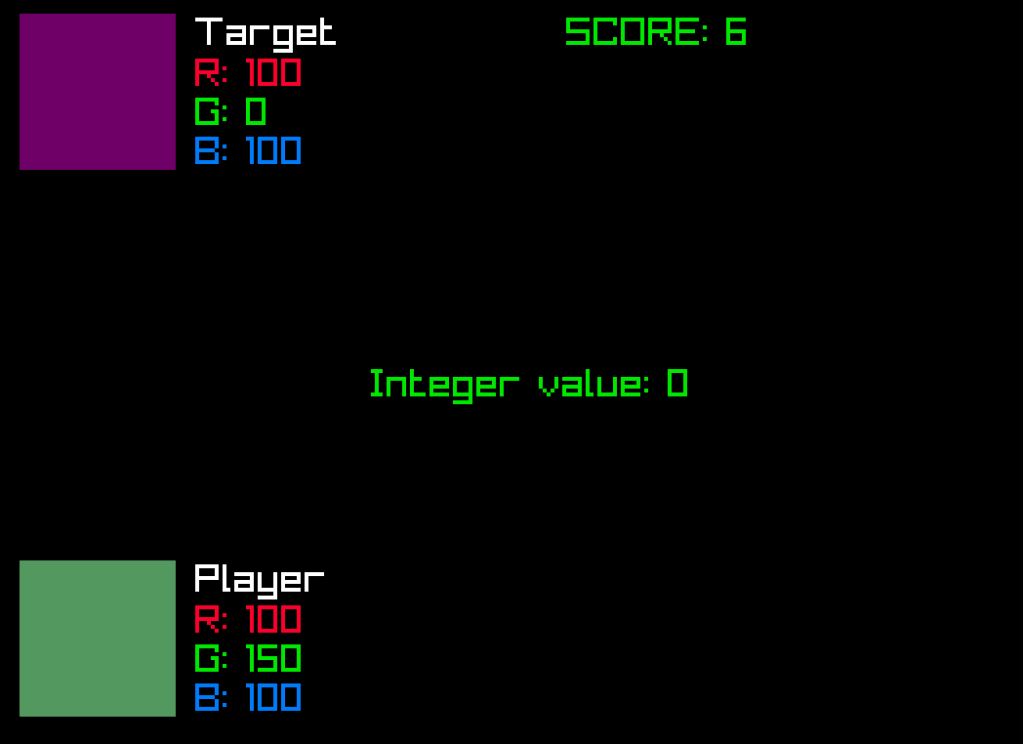
The game loop follows a simple concept of trying to match the 3 color terminals of the controller to the target value displayed on screen. Changing the value is done by changing the relationship of between the starting board and the desired color terminal, through the use of the conductive trace pieces.
The controller
The controller works as a mini puzzle, you have to connect a line from the large starting platform to the ending terminal to send non-zero value to the computer.
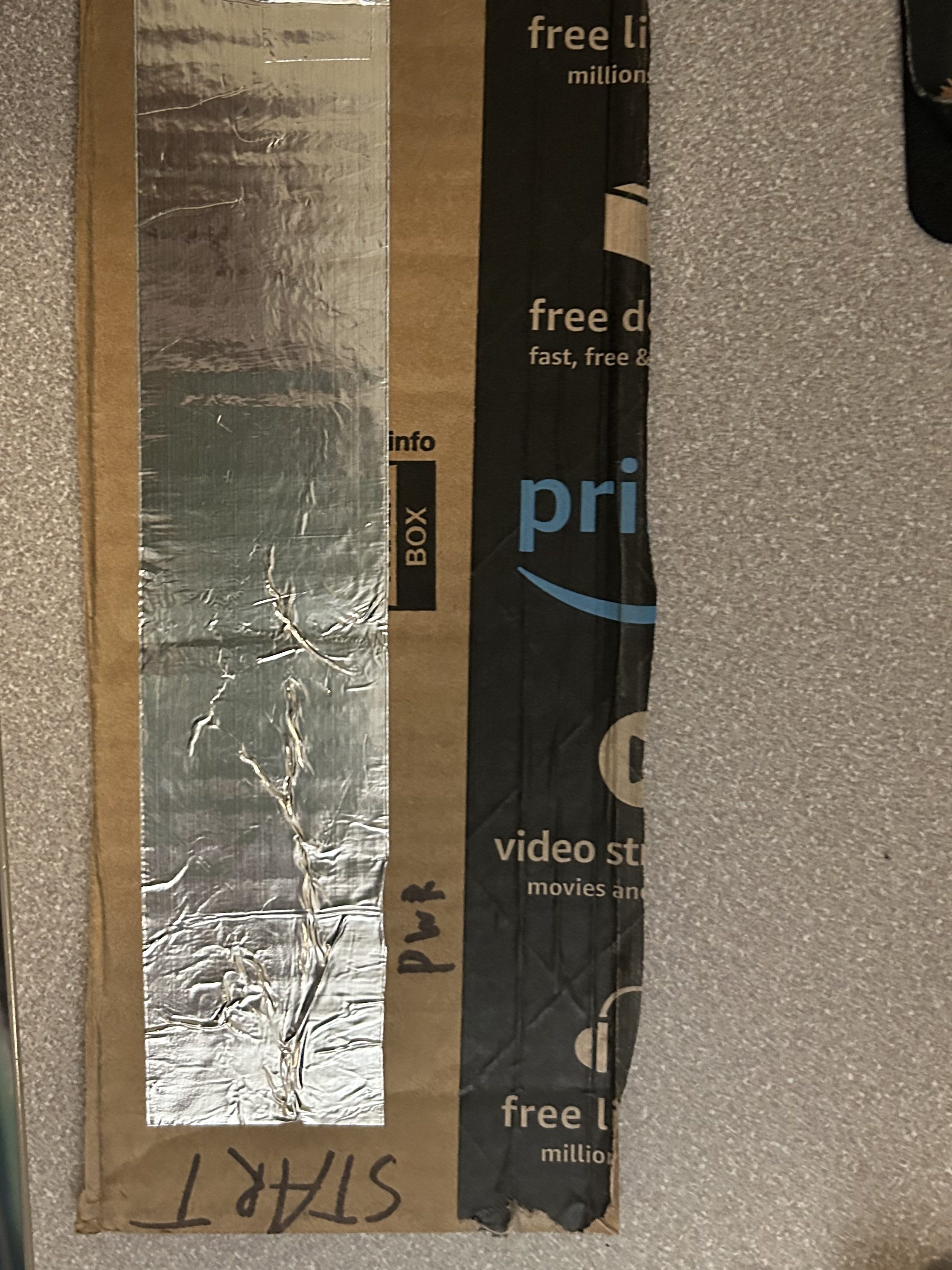
Start
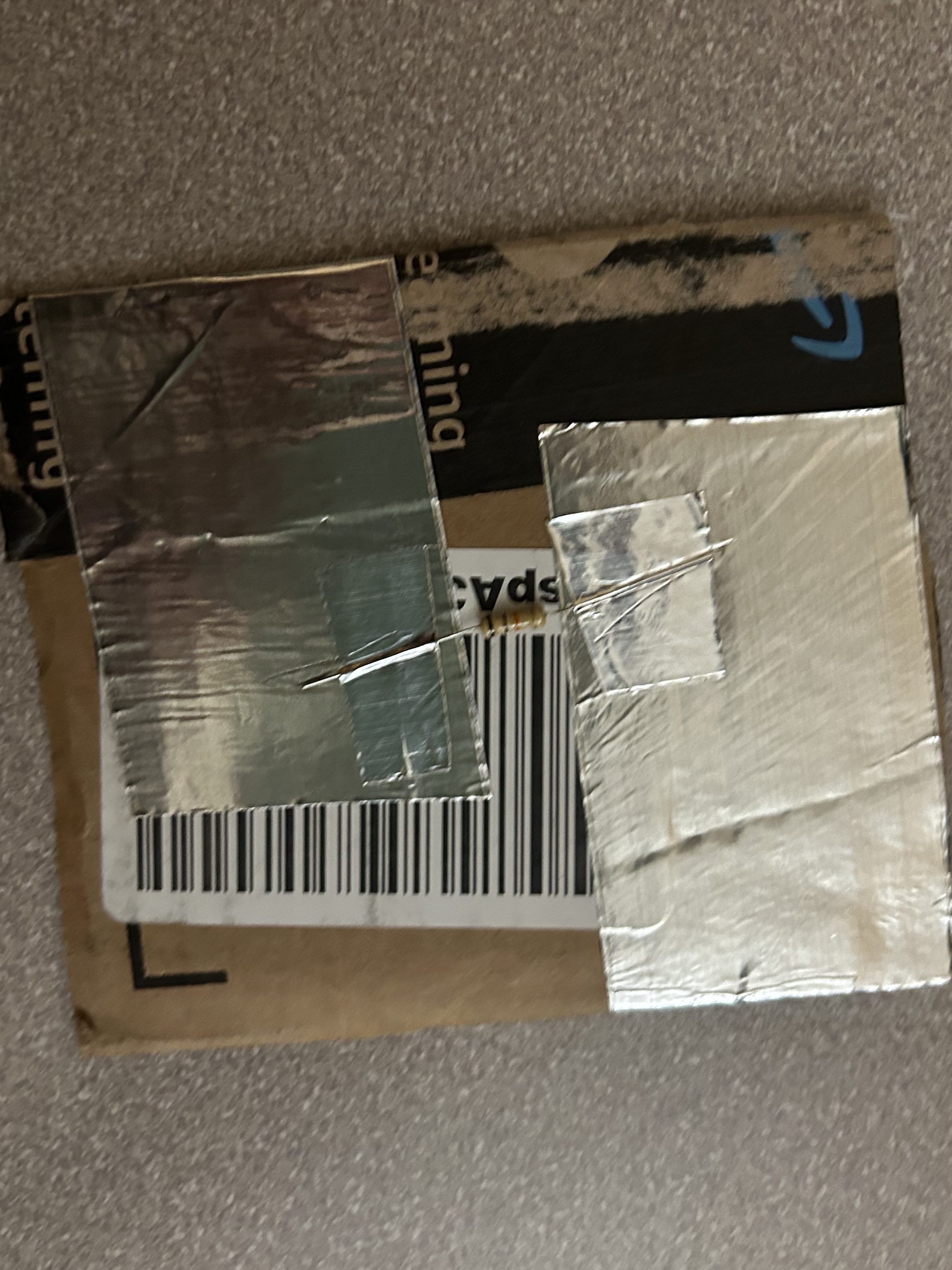
Connector Piece
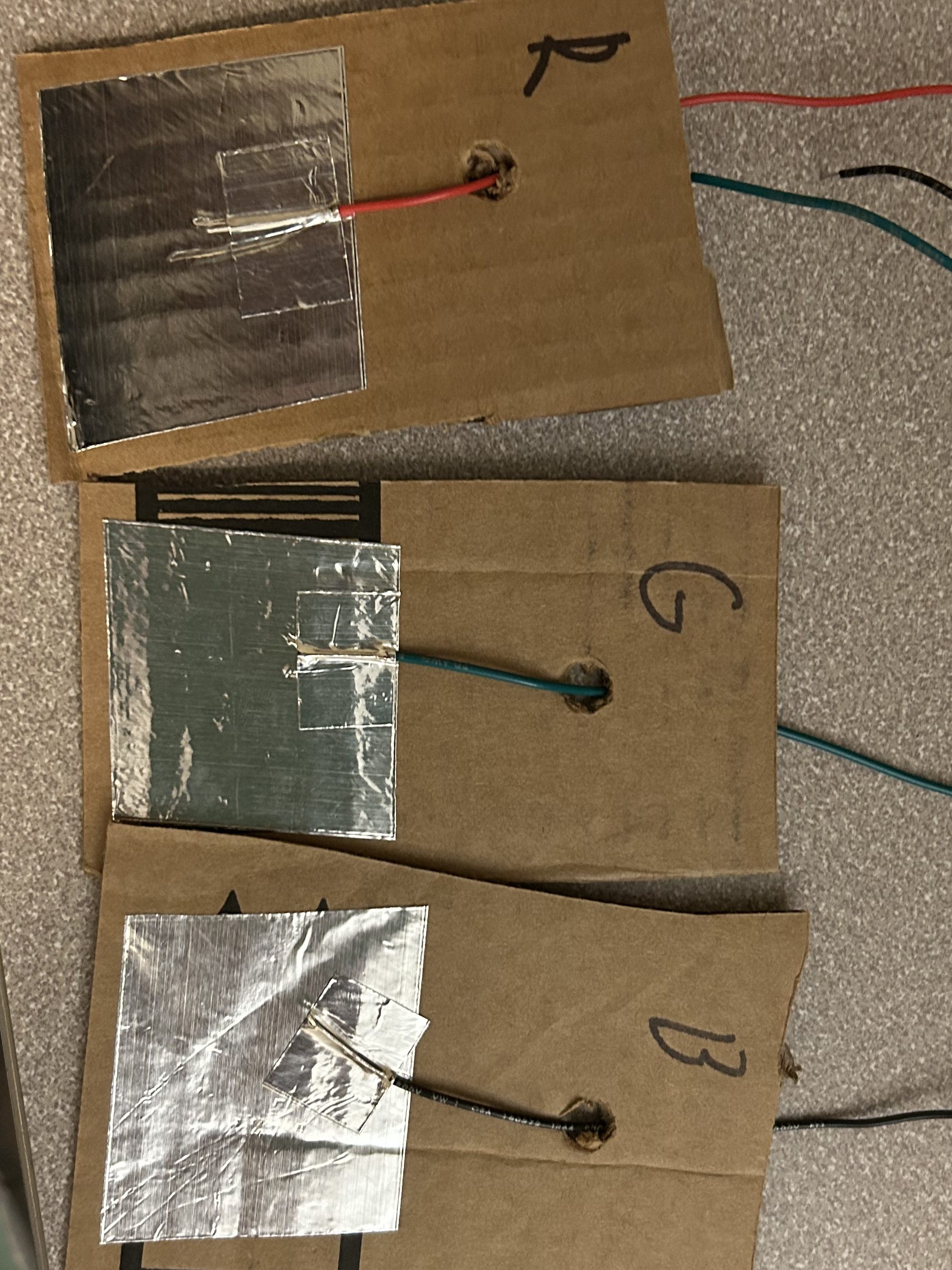
End
Once the line has been created, the system is measuring the set resistance across the system. all lines work in an increment of 10k ohms. The resistance used to check the voltage at the end is also 10k ohms. This means the voltage from a standard 1 resistor line at the end terminal is half the starting voltage (1.5 volts in the case of the pro micro). Now, Voltage calculations for series or parallel is somewhat complex, but at 2 standard pieces in series,, the voltage would be 2/3’s or 2 volts and so on and so forth. The game acts as a way to inform the user about the complex interaction between resisters and the calculation line’s actual resistance.
Issues
Multiple issues appeared, for starters, the game was initially made in monogamy, but there is currently an issue on apple silicone that prevents the game from compiling if there are any assets imported. Therefore the game had to be remade in another framework/language, which is now raylib. There were also isues with the controller creation, as mentioned earlier the controller functions as a keyboard. The initial plan was to make the controller function as the joysticks of an actual controller and transform the analog values into position on a joystick axis. The issue arrised again with the arduino libraries where (for an unknown reason to me) none of the availiabel arduino controller libraries allow for any of my arduino devices to be seen as controllers on either my Mac or PC. This was circumvented by making the values “click” between 5 voltage ranges that all coresponded to a different keypress.
Conclusion
Though there were some issues with creation, in the span of a month the progress made was quite good for someone working alone with other projects as well. There are some ideas from this I will try to carry forward, besides a new found knowledge for Raylib.
 Quincy's Projects
Leave a comment